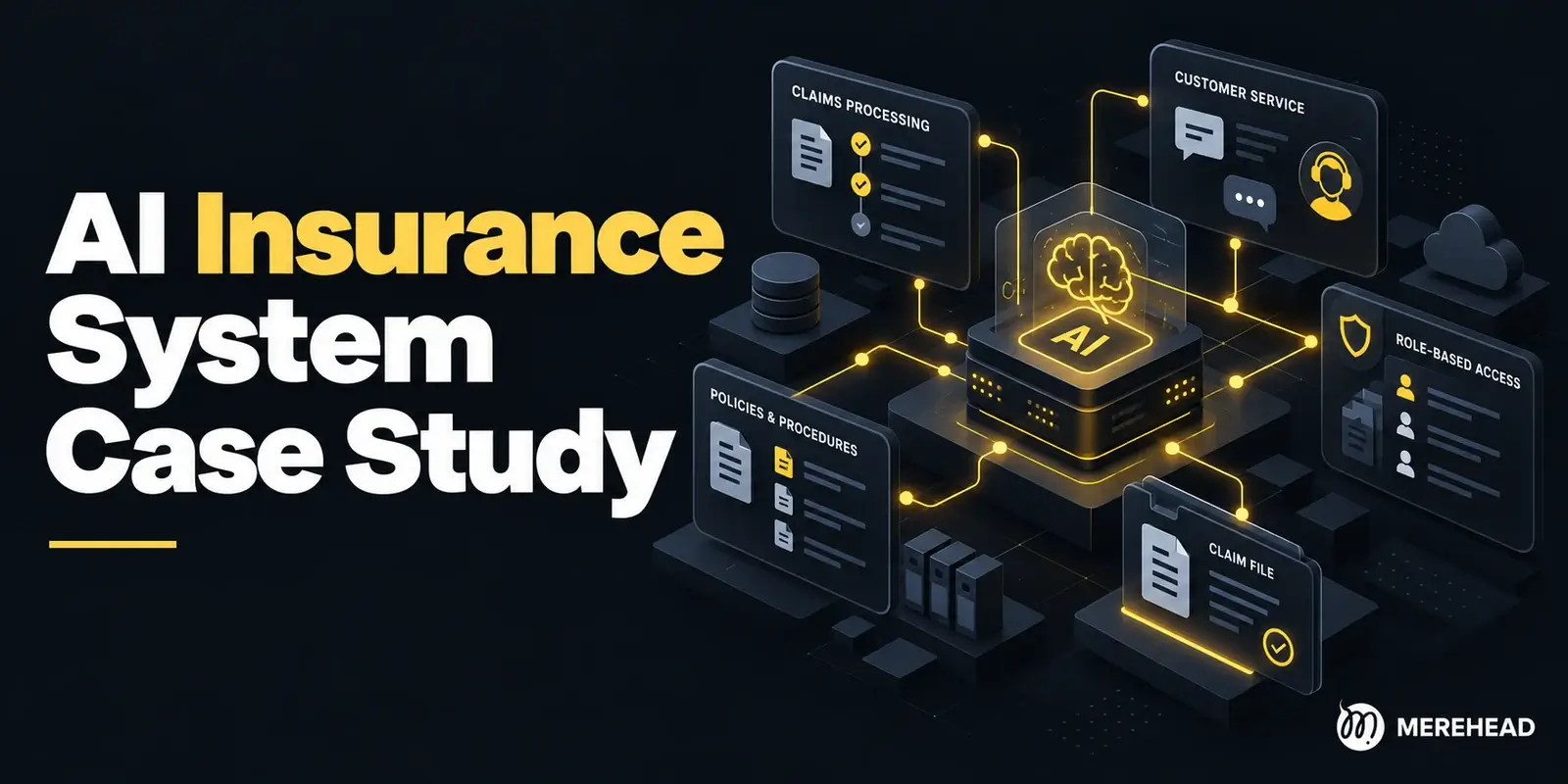
Consider an insurance claims intake assistant. It reads incoming documents, checks for missing information, and drafts a follow-up request. A reviewer checks the draft and decides what to send. The example below shows how to build that workflow and which parts also apply to other AI systems.
What is an end-to-end AI system?
An end-to-end AI system takes a real input and delivers an output that someone or another system can use. It includes data ingestion, validation, model inference, delivery, and feedback. If you train a model, it also includes the pipeline that builds and evaluates each model version. A system that uses a hosted model still needs the rest of the workflow.
For claims intake, the input is a document package and its claim type. The output is a review task containing the missing items, supporting evidence, and a draft message. The workflow is complete when that task reaches the right reviewer and their corrections can be recorded. A human approval step can be part of the system.
1. Define the task and measure the baseline
Write down who uses the output, what they do with it, and which mistakes matter most. A workable first scope is to check one type of claim against an approved checklist. Specify which file formats you accept, which fields the system must return, and how quickly the reviewer needs the result.
Measure the current process using representative cases. Record active review time, how often staff miss a required item, and how often they request something already on file. Keep simple validation rules as a baseline alongside the manual process.
For example, if reviewers spend a median of eight minutes on intake, a pilot might aim for six minutes while keeping the rate of missed required items at or below the manual baseline. These are illustrative targets. Count the time spent correcting drafts and handling exceptions when you measure the pilot.
2. Build a data pipeline you can rerun
Start with authoritative sources. For claims intake, those might be the claims application, submitted documents, and approved checklists. Record where each item came from, when it arrived, and which checklist was in force. Keep authorized source documents separate from extracted text and derived fields so you can rerun processing after changing a parser.
Our biggest risk was never the model. It was documents nobody owned.
 Yuri MusienkoBusiness developer, Merehead
On a claims intake project for a P&C administrator, a content review found duplicate checklists, procedures with no owner, and state-specific instructions buried in generic documents. Indexed as-is, they would have given the assistant conflicting answers, each with a valid-looking citation. The team built a content inventory, resolved conflicts with department owners, and retired outdated files before ingestion. That cleanup took longer than building the assistant. Every published document now carries an owner, an effective date, and a status, so superseded versions drop out of retrieval but stay available for audit.
Validate file type, size, identifiers, and required metadata at ingestion. Distinguish a missing document from a document the parser could not read. A blurry scan should go to manual review. If a queue retries a job, use a stable submission ID and document version to prevent duplicate review tasks.
For supervised learning, define what counts as a correct label and resolve disagreements with a domain reviewer. Keep related records together when splitting datasets. When deployment means scoring future cases, test on a later time period where feasible. Use only fields available at decision time. A status added after a reviewer closes a claim would leak information into a model that scores it at intake.
3. Choose a model and train only where needed
The model should fit the task and the data you can provide at runtime.
| Task | Starting point | What to compare |
| Classify a claim from structured fields | Rules or a small supervised model | Routing errors and cost per case |
| Extract facts from scanned forms | OCR and field validation | Accuracy by field and scan quality |
| Draft a message using approved guidance | A hosted or self-hosted language model with relevant context | Unsupported requests and reviewer edits |
| Answer questions across changing documents | Retrieval-augmented generation, or RAG | Retrieval relevance and support for the answer |
In the claims example, application rules determine which documents a claim type requires. The model can help extract evidence from irregular documents and draft a message using the validated list of missing items. Give the model only the context needed for that step.
The same split works outside insurance. When Merehead scoped an AI trading assistant for a crypto exchange, the team kept the language model away from the numbers. The LLM decides which tools a question needs, calls them, and explains what they return. Price history, forecasts, and liquidity checks run as separate components, so forecast accuracy is tested on data and explanation quality is judged on its own. A fluent answer proves nothing about accuracy.
If you train or fine-tune, record the dataset version, preprocessing code, model configuration, metrics, and compute cost for each run. Use a validation set to choose settings and reserve a separate test set for the release decision. Consider fine-tuning when you have enough reviewed examples and a recurring behavior that better prompts, rules, or retrieval have failed to fix. When the underlying policy changes, update the source guidance and test the affected cases.
4. Evaluate the workflow from input to review
Run representative submissions through the same path they will take in production. Include complete packages, missing forms, duplicates, unreadable scans, and conflicting information. Keep a reviewed reference set with the correct missing items and the evidence needed to verify them.
| Measure | What it tells you |
| Recall for missing required items | How many genuine omissions the system catches |
| Precision of missing-item flags | How often a flagged item is actually missing |
| Reviewer correction rate | How often staff must fix a factual error or change a request |
| Time per reviewed case | Whether the system saves time after corrections and exceptions |
| Cost per completed case | What parsing, inference, retries, and review cost together |
Test parsing, rules, retrieval if used, and generation separately. If a draft asks for the wrong document, you need to tell whether the parser missed evidence, a rule selected the wrong checklist, or the model added a request on its own.
Use the same reference set to choose the model. Run it through two or three candidates and score the outputs with the metrics you defined before testing. Rerun the set every time you change the prompt, a tool, or the retrieval step. Once a stronger model passes, try a cheaper one with a tighter task description. If the system relies on refreshed data, our AI scoping work adds one more check: record an answer, add new data, and confirm whether the answer changed and why.
In the same claims project, early tests returned procedures that were accurate but written for another state or insurance line. The fix was tighter state and policy filters at retrieval, citations visible to handlers, and an evaluation set expanded to four scenario types: conflicting documents, outdated revisions, missing data, and deliberately ambiguous requests. None of the fixes changed the model.
Break results down by claim type, document format, and language where relevant. Where appropriate and permitted, check for uneven error rates across affected groups. Test whether text embedded in a document can manipulate the system into ignoring instructions or disclosing data. Define release gates for critical errors separately from aggregate quality.
5. Deploy the system into the existing workflow
Choose how to serve the model based on how users work. A synchronous API fits a short request when the user is waiting for an answer. Use a queue for slower document processing so the application can acknowledge receipt and show progress. Batch jobs fit scheduled workloads where immediate results carry little value.
For the claims assistant, the application records a submission and queues it for processing. A worker parses the documents, checks the requirements, and prepares a draft. It validates the output before attaching it to the review task. If parsing or inference times out, the worker retries within a fixed limit and then sends the case to manual review.
Version the output schema separately from the model. Record the model, prompt, parser, and checklist versions used to produce each result. Set limits on file size, processing time, and model usage. Use batching when it fits the latency target. Cache only when permission boundaries and document freshness can be preserved. A managed worker or a container service can be enough for an initial deployment. Add orchestration when the workload and operational needs justify it.
6. Roll out in stages and test the fallback
Start in staging with representative inputs. Then run the system in shadow mode if you can process live inputs within your data controls. Save outputs for authorized evaluation while the current workflow remains the one staff use. Compare the system's results with reviewed outcomes.
Next, open a pilot to a small group of reviewers. Track missed requirements, correction time, timeouts, and cases diverted to manual review. Expand only after the pilot meets the release gates on a representative volume of work.
Rehearse rollback before the pilot. Test whether you can restore a compatible model, prompt, and checklist configuration or disable AI processing and route new cases to manual review.
Yuri MusienkoBusiness developer, MereheadAccount for cases already queued so a retry or rollback cannot create duplicate tasks. Google's production ML guidance covers staged deployment, alerting, and rollback.
7. Monitor data, quality, and operating cost
Monitor queue depth, processing time, failed jobs, model timeouts, and cost per completed case. Capture a request ID, component versions, and failure reasons so the team can investigate. Keep sensitive payloads out of routine logs. Use restricted access and a defined retention period for samples that need review.
Track correction rates and periodically audit a sample of outputs for errors reviewers may have missed. If final outcomes arrive later, use early signals such as manual review volume to investigate problems, then verify quality when reviewed labels become available.
An increase in unreadable documents could mean a new submission format or a parser regression. A jump in incorrect requests might follow a checklist update. Use the alert to identify the failing component. If you retrain, evaluate the candidate against the current release before promoting it. For more on production data checks, see Google's guide to monitoring ML pipelines.
8. Enforce permissions and assign ownership
Decide which data the system can access, who can see the result, and which actions require approval. Check document access before retrieving content for a model. Filtering the answer after generation is too late, because the model has already read the restricted text and can paraphrase it. The claims project also showed that folder-level rules break on files that mix internal notes with customer-safe content. Access had to move to the document level, with an audit trail covering publication, retrieval, and human overrides. For background jobs, scope the worker's access to the authorized case and enforce the user's permissions when displaying results.
Treat uploaded documents and retrieved text as untrusted inputs. Keep credentials outside prompts. Validate generated fields in application code. If the system calls tools, restrict which operations it can perform and check each request before execution. In the claims workflow, only an authorized reviewer can approve sending a message.
Remove unnecessary personal information before it enters training or evaluation datasets. Define retention and access rules for documents, prompts, outputs, and audit logs. Give the product owner responsibility for workflow quality and assign an on-call owner who can disable processing or route cases to manual review.
Frequently asked questions
Yes. You can use an existing model and build the data pipeline, validation, integration, evaluation, and monitoring around it. For a first release, try one document type, one model call, and one review screen. Measure how often the output helps a reviewer complete the task before expanding the scope.
A model produces a prediction or generates content from an input. An AI system decides which inputs the model receives, validates its output, routes that output into a workflow, and handles failures. The model may draft a follow-up message. The system attaches it to the right case and records who approved it.
An agent can help when the next step depends on what the system discovers and several tools are available. A fixed workflow fits claims intake when the sequence is known in advance. If you add an agent or a multi-agent AI system, test tool selection, permissions, stopping conditions, and how it handles partial failures before letting it take actions.